
Learn how to pack and move a home office the right way — from computers and monitors to desks and filing cabinets. A practical room-by-room guide from 2 Jacked Guyz.
Figuring out how to pack and move a home office is something most people severely underestimate until they are staring at a tangle of monitor cables, a desk that weighs more than a small car, and a filing cabinet stuffed with documents they have not touched in three years. The home office might be one room, but it tends to contain some of the most expensive, fragile, and irreplaceable items in your entire household — computers, external drives with years of data, printers, monitors, and professional equipment that cannot be tossed into a box and hoped for the best.
The good news is that with the right sequence and a little preparation, your home office can be packed and moved without losing a single file, snapping a single cable, or scratching a single piece of equipment. And if you would rather hand the whole job to people who do this every day, the team at 2 Jacked Guyz professional movers is ready to handle every piece from first box to final desk placement.
The home office has a way of accumulating things that no longer serve any purpose. Old power bricks for devices you threw away two years ago. Stacks of paper you were going to file but never did. Cables that connect to nothing. Software installation discs for programs that have been cloud-based for a decade. Dried-out pens, broken headsets, a second mouse from a laptop you no longer own.
Before you pack a single item, do an honest sweep through every drawer, shelf, and cabinet. Sort everything into three categories: keep, recycle or donate, and discard. Electronics in working condition — old laptops, spare keyboards, extra monitors — can often be donated to schools, nonprofits, or community organizations. Dead electronics should be dropped off at a certified e-waste recycling facility rather than put in the trash.
For paperwork, this is also the right moment to shred anything sensitive that you no longer need, and to digitize any documents you want to keep but do not need in physical form. The fewer boxes you fill with paper, the lighter your move — and paper is surprisingly heavy when it stacks up.
A home office demands more specialized packing materials than almost any other room in the house. Using the wrong boxes or skipping protective wrapping on electronics can result in damage that is expensive or impossible to repair. Stock up on all of the following before you begin:
Electronics are the single most valuable and damage-sensitive category of items in a home office. Treat them accordingly.
Before you disconnect anything, take a photo of the back of your computer tower showing how every cable is plugged in. This takes thirty seconds and saves enormous frustration when you are setting up at the new place. Once photographed, shut the computer down fully, unplug every cable, and label each one with a small piece of tape and a marker before coiling and securing it with a cable tie.
If you have the original box, use it. If not, pack the tower in a box that allows at least two inches of clearance on every side, and fill that gap with anti-static bubble wrap or anti-static packing foam. Place the tower upright — never on its side — unless the manufacturer specifies otherwise.
Monitors are fragile and expensive. Wrap the screen surface first with a clean, soft cloth or a sheet of foam padding, then wrap the entire monitor in anti-static bubble wrap. Use the original box if you have it. If not, find a box that fits snugly and pack packing paper around every side to prevent any movement in transit. Mark the box "FRAGILE — SCREEN" and load it vertically, never face-down.
Pack laptops in a padded sleeve or laptop bag first, then place that bag inside a box with additional cushioning. Never pack a laptop loose in a box with other items. Keep your laptop in your personal vehicle during the move if possible — it is your most portable high-value device and the easiest to keep with you.
Before moving day, back up everything on your external drives to a cloud service or a secondary drive that will travel separately. External hard drives are susceptible to shock damage. Wrap each drive in anti-static bubble wrap, place it in a small box with padding on every side, and carry it with you rather than loading it on the truck if at all possible.
Remove any ink cartridges from your printer before moving — ink can leak in transit and ruin the machine or other items nearby. Store cartridges in a sealed zip-lock bag. Tape down any moving parts like paper trays, and wrap the whole unit in packing paper or moving blankets. Original boxes are ideal here as well.
Office furniture presents its own set of challenges. Standing desks, L-shaped desks, large bookshelves, and heavy filing cabinets are all awkward, heavy, and easy to damage if handled carelessly.
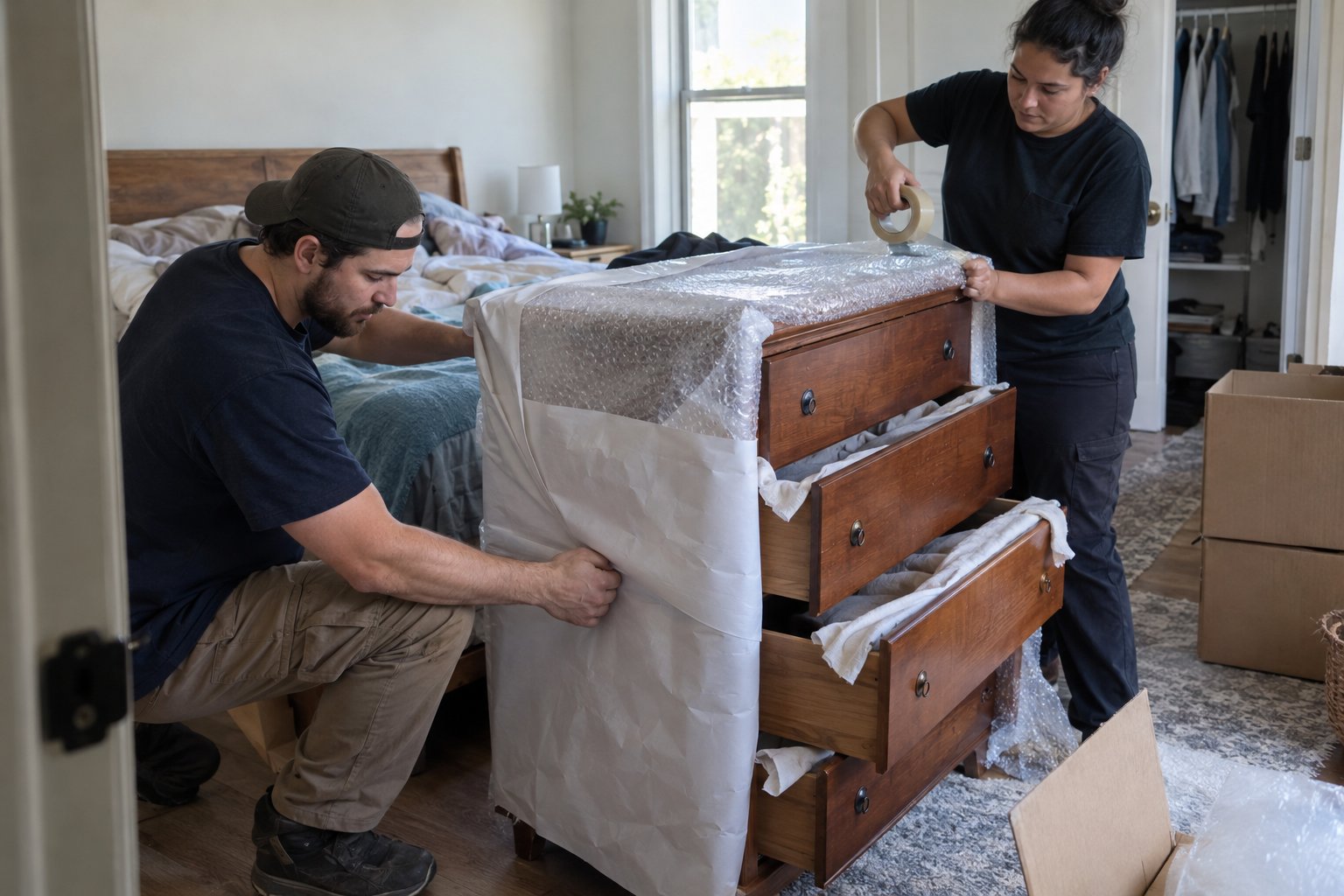
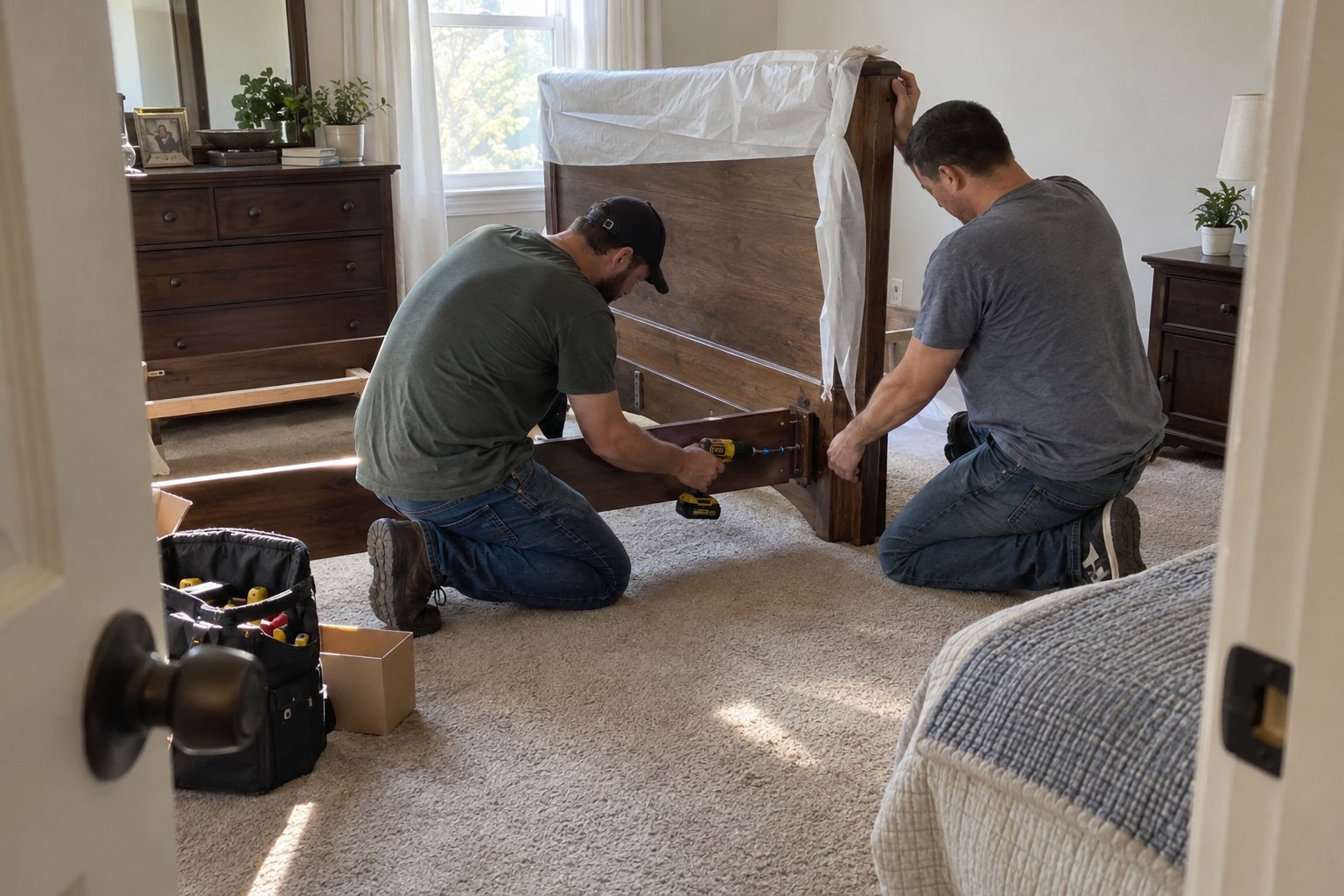
Most large desks should be disassembled before moving. Remove legs, detach any return sections on L-shaped desks, and take out any attached drawers. Keep all hardware — screws, bolts, cam locks — in a labeled zip-lock bag taped to the underside of the desktop. Wrap wooden desk surfaces in moving blankets and secure with stretch wrap to prevent scratches and gouges during loading and transport.
Standing desks deserve extra care. Remove the monitor arms, power strips, and cable management trays before disassembly. Consult your desk manufacturer's instructions if available — many electric standing desks have specific steps for safe transport to avoid damaging the lift mechanism.
Remove the base and casters from the seat if possible to make the chair easier to carry. Wrap any mesh or leather surfaces in stretch wrap or moving blankets to protect against tears or scuffs. Chair mats can be rolled up and taped, or placed flat under furniture in the truck.
Never move a filing cabinet with the drawers full of papers — it becomes dangerously heavy and the weight shifts unpredictably. Remove all documents, box them separately in clearly labeled boxes, and empty the drawers completely. Secure each drawer with tape or stretch wrap so it cannot slide open during the move. Use a hand truck or furniture dolly when loading and unloading.
Remove all items from shelves before moving — loaded bookshelves can topple or have shelves snap under the combined stress of movement. Disassemble flat-pack units entirely if possible, keeping all hardware in labeled bags. Wrap solid wood units in moving blankets to protect the finish.
A home office is one of the most disruptive rooms to set back up poorly. If you are working from home, an unclear or disorganized unpack can cost you hours of productivity. Take labeling seriously.
Every box should have the room name, a brief description of its contents, and any handling notes ("FRAGILE," "THIS SIDE UP," "HEAVY"). Create a simple numbered inventory list if you have a large number of boxes — it makes it easy to confirm everything arrived and helps you prioritize which boxes to open first when you are back at work.
Cable labeling deserves special attention. Take that photo before you disconnect anything, label each cable as you remove it, and coil cables separately so they do not tangle in transit. Grouping cables with their associated devices — either taped to the outside of the device's box or stored in a clearly labeled bag inside it — will save significant time on setup day.
Before you start placing furniture and plugging in equipment, do a quick inspection of every box and piece of furniture as it is unloaded. Check for any damage that may have occurred in transit and document it with photos if anything looks wrong.
Set up your desk and furniture placement first, then run cables and connect equipment. Refer back to the photos you took before unplugging everything — this turns a potentially confusing reconnection process into a quick, straightforward task. Power everything on and test it before you put the room fully together, so any issues can be identified while you still have easy access to the back of the setup.
If the volume of your home office move — or your whole household move — feels like more than you want to tackle alone, the team at get a free moving quote from 2 Jacked Guyz and find out how easy handing this off can be. Experienced movers handle the heavy lifting, the careful wrapping, and the safe transport so you can focus on everything else that comes with a move.
Request a personalized quote and see how careful planning and reliable service make every move smoother. Our team prepares each step to handle challenges safely and efficiently.
Before moving day, back up all important files to a cloud storage service, an external hard drive, or both. Keep at least one backup copy in a location separate from your main computer — ideally traveling in your personal vehicle rather than on the moving truck. This protects your data even in the unlikely event of equipment damage during transport.
No — a filing cabinet loaded with paper becomes very heavy and the weight shifts unpredictably during transport, which can damage the cabinet, strain the movers, and create a safety risk. Remove all documents, pack them separately in clearly labeled boxes, and secure the empty drawers with tape or stretch wrap before the cabinet is loaded onto the truck.
Regular bubble wrap can generate a small static charge when compressed or rubbed, which can damage sensitive electronics like circuit boards, hard drives, and RAM. Anti-static bubble wrap is treated to dissipate static electricity and is the correct choice for packing computers, external drives, and any internal components. It is widely available at moving supply stores and online.
Disassembling large desks — especially L-shaped desks and standing desks — before the movers arrive generally makes the move faster, reduces the risk of damage to door frames and walls, and lowers the chance of damaging the desk itself. Keep all hardware in clearly labeled zip-lock bags taped to the furniture. If you are unsure how to disassemble a particular desk, consult the manufacturer's instructions or ask your moving team.
Before disconnecting anything, photograph the back of your desk setup showing where every cable is plugged in. As you disconnect each cable, label it with a small piece of masking tape and a marker, then coil it and secure it with a cable tie. Store cables either in a labeled bag inside their associated device's box or grouped together in a dedicated cables box. This makes reconnection at the new location fast and frustration-free.
No long forms, no delays. Just a move that’s ready when you are. Secure your moving date today.